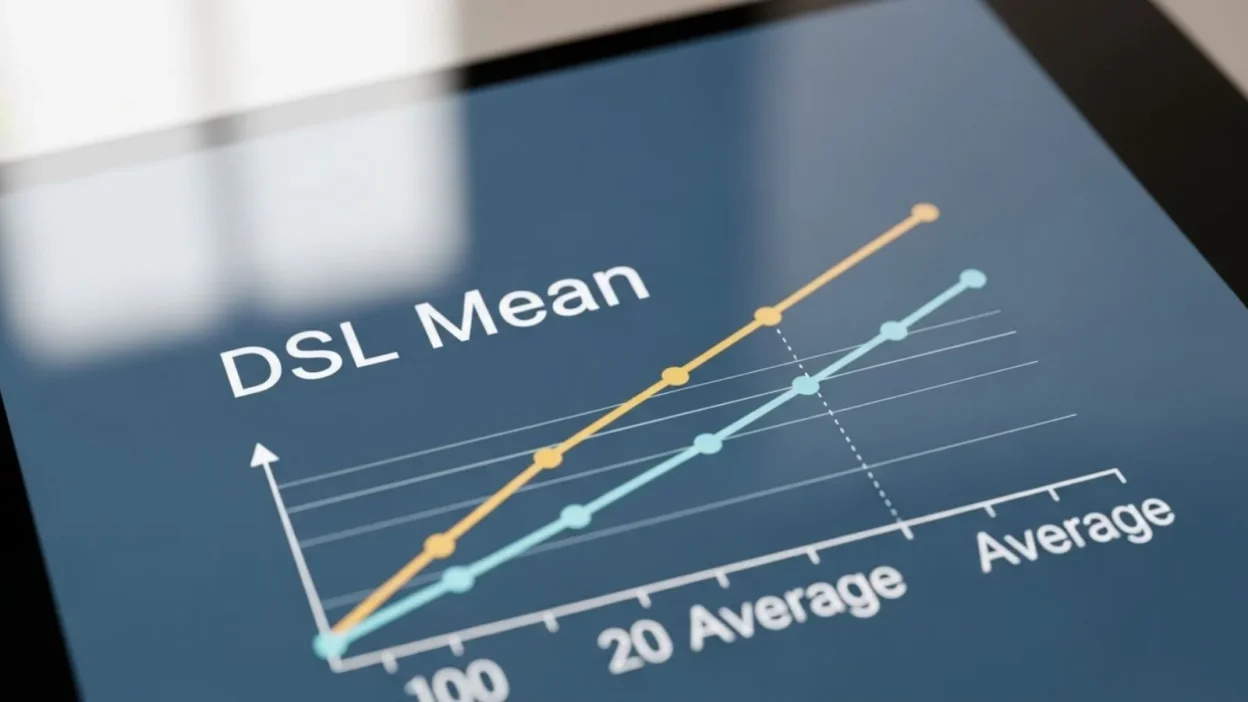
If you’ve ever researched internet options for your home or office, you’ve probably come across the term DSL. But what does DSL mean, and why is it important in today’s digital world? DSL stands for Digital Subscriber Line, a technology that allows you to access high-speed internet over traditional telephone lines.
Unlike older dial-up connections, DSL provides a reliable and consistent connection without interrupting your phone service. It has been a popular choice for both homes and small businesses for decades, offering a balance of speed, affordability, and availability.
With different types of DSL like ADSL, SDSL, and VDSL, understanding this technology can help you make an informed decision when choosing an internet plan.
In this guide, we’ll explore the meaning of DSL, how it works, its advantages and disadvantages, and whether it’s the right choice for your internet needs.
Definition of DSL
DSL, which stands for Digital Subscriber Line, is a type of internet connection that transmits digital data over traditional copper telephone lines. Unlike the older dial-up connections, DSL allows you to use the same phone line for voice calls while simultaneously accessing the internet. This technology became popular in the late 1990s and early 2000s because it offered faster speeds than dial-up and was widely available in urban and rural areas.
At its core, DSL works by dividing the telephone line into separate channels. One channel carries voice signals for regular phone calls, while the other channels carry data for internet usage. This separation ensures that using the internet does not interfere with phone conversations. DSL connections are usually always-on, meaning you don’t need to dial in each time to access the internet, making it convenient for everyday browsing, streaming, and work-from-home setups.
There are different types of DSL, such as ADSL (Asymmetric DSL), where download speeds are faster than upload speeds, and SDSL (Symmetric DSL), which offers equal download and upload speeds, often used for businesses. By understanding what DSL means and how it functions, you can make better decisions about internet services, whether for personal use or for your office.
How DSL Internet Works
DSL, or Digital Subscriber Line, works by sending digital data over standard copper telephone lines. The key to its functionality lies in frequency separation, which divides the line into multiple channels. One channel carries your regular voice calls, while the other channels transmit internet data. This allows you to use the phone and access the internet at the same time without interference.
A DSL modem is the device that connects your home or office network to the provider’s system. It converts the digital signals from your devices into a form that can travel through the telephone lines and vice versa. When data reaches the provider, it is routed through the internet to its destination.
DSL connections are usually always-on, meaning there is no need to dial in each time you want to connect. Speeds are measured in upstream (upload) and downstream (download) rates. Most common types, like ADSL, prioritize faster download speeds, which is ideal for streaming, browsing, and downloads, while SDSL provides equal speeds for uploading, preferred by businesses that transfer large files.
The performance of DSL depends on distance from the provider’s central office; the farther your home or office is, the slower the connection may be. Despite this limitation, DSL remains a popular choice for many users because it leverages existing phone lines, is easy to set up, and provides stable internet suitable for everyday use.
Types of DSL
DSL technology comes in several types, each designed to meet different internet needs. Understanding the types of DSL can help you choose the right connection for your home or business.
1. ADSL (Asymmetric DSL):
ADSL is the most common type of DSL for home users. It offers faster download speeds than upload speeds, making it ideal for activities like streaming videos, browsing the web, and downloading files. Since most home internet activities rely more on downloading than uploading, ADSL is well-suited for residential use.
2. SDSL (Symmetric DSL):
Unlike ADSL, SDSL provides equal download and upload speeds, which is beneficial for businesses that need to send large files, host servers, or conduct video conferences. SDSL connections are less common for home users because they are often more expensive and require higher infrastructure.
3. VDSL (Very-high-bit-rate DSL):
VDSL is a faster version of DSL, capable of supporting high-definition streaming, online gaming, and large file transfers. However, its speed advantage only works over shorter distances from the service provider’s central office, meaning performance can drop if you are far away.
4. IDSL (ISDN DSL):
IDSL is less common today and combines DSL technology with older ISDN lines. It offers slower speeds than modern DSL types but may still be available in areas without newer infrastructure.
DSL vs Other Internet Connections (250 words)
When choosing an internet connection, it’s important to understand how DSL compares to other options like fiber, cable, and satellite. Each type has its own advantages and limitations.
DSL vs Fiber: Fiber-optic internet is faster than DSL, offering speeds that can reach up to 1 Gbps, while traditional DSL is usually slower, ranging from 1 Mbps to 100 Mbps depending on the type and distance from the provider. Fiber also provides lower latency and is more reliable for heavy internet use, such as online gaming or streaming 4K videos. However, fiber is not as widely available as DSL, especially in rural areas.
DSL vs Cable: Cable internet generally offers faster download speeds than DSL because it uses coaxial cables with higher bandwidth capacity. However, cable connections are often shared among multiple users in the neighborhood, which can lead to slower speeds during peak hours. DSL, in contrast, provides a dedicated line, ensuring a consistent connection.
DSL vs Satellite: Satellite internet can reach remote locations where DSL or fiber is unavailable. However, it suffers from higher latency and lower reliability during bad weather. DSL, using existing telephone lines, is typically more stable and responsive for daily tasks like browsing, video calls, and streaming.
Overall, DSL remains a solid choice for many users because it combines affordability, availability, and stable performance. While it may not match fiber or cable in speed, its dedicated connection and widespread accessibility make it a practical option for homes and small businesses.
Advantages of DSL
DSL, or Digital Subscriber Line, offers several advantages that make it a popular choice for both homes and small businesses. One of the biggest benefits is its widespread availability. Since DSL uses existing copper telephone lines, it can reach areas where newer technologies like fiber-optic internet may not be accessible. This makes it a reliable option for people living in suburban or rural regions.
Another advantage is the dedicated connection. Unlike cable internet, which is shared among multiple households, a DSL line is typically dedicated to your home or office. This means your connection remains stable and consistent, even during peak usage times. Additionally, DSL allows for simultaneous use of phone and internet. Because the technology separates voice and data channels, you can make calls while staying online without interruptions.
DSL is also cost-effective. Plans are generally more affordable than fiber or high-speed cable, making it a practical choice for budget-conscious users. Installation and setup are usually straightforward, and most providers offer reliable customer support.
Finally, DSL can handle common internet activities efficiently, such as web browsing, streaming videos, video conferencing, and downloading files. While it may not match fiber in speed, the combination of reliability, affordability, and accessibility makes DSL a solid option for everyday internet use.
Disadvantages of DSL
While DSL, or Digital Subscriber Line, offers several benefits, it also comes with some limitations that users should consider before choosing this type of internet connection.
One of the main disadvantages is speed limitations. Although DSL is faster than traditional dial-up, it generally cannot match the high speeds offered by fiber-optic or cable internet. Most DSL plans offer download speeds between 1 Mbps and 100 Mbps, which may not be sufficient for households with multiple users streaming 4K videos or playing online games simultaneously.
Another limitation is the distance from the provider’s central office. The further your home or office is from the service provider, the weaker the signal and the slower the connection. This makes DSL less reliable for users in remote locations located far from the provider’s infrastructure.
DSL is also dependent on older copper telephone lines, which can affect performance if the lines are damaged or poorly maintained. Unlike fiber, which transmits data through light signals, DSL is susceptible to electrical interference and signal degradation.
Additionally, while DSL can handle everyday internet tasks efficiently, it is not ideal for heavy upload requirements. Activities like large file transfers, cloud storage backups, or hosting servers may be slower on certain types of DSL, such as ADSL, which prioritizes download speed over upload speed.
Finally, may lack future-proofing. As demand for higher-speed internet grows, newer technologies like fiber and 5G may offer better long-term solutions. While remains a practical choice for many users, it’s important to weigh its limitations against your internet needs.
How to Choose the Right DSL Plan
Choosing the right plan is essential to ensure you get a reliable internet connection that meets your needs without overpaying. The first factor to consider is your internet usage. For casual browsing, social media, and streaming in standard definition, a basic plan with moderate download speeds may be sufficient. If you stream 4K videos, play online games, or work from home, you’ll need a plan with higher download and upload speeds to avoid buffering and slow performance.
Next, check the availability of providers in your area. coverage depends on the distance from the provider’s central office and the quality of the local telephone lines. Not all providers offer the same speeds or services in every location, so comparing multiple providers is crucial.
Consider data limits and pricing. Some plans may have monthly data caps, while others offer unlimited usage. Review the monthly cost, installation fees, and any potential hidden charges before making a decision.
Also, think about the type of that suits your needs. ADSL is suitable for most home users due to faster download speeds, while SDSL may be better for small businesses that require balanced upload and download speeds.
Finally, read customer reviews to learn about service reliability, support quality, and real-world speed performance. By evaluating your internet needs, location, speed requirements, and budget, you can choose a plan that provides a stable and efficient connection for everyday tasks.
FAQs:
1. Is DSL still relevant in 2026?
Yes, DSL remains relevant, especially in areas where fiber or cable internet is not available. While it may not offer the fastest speeds, it provides a stable and affordable connection suitable for browsing, streaming, and working from home.
2. How does DSL differ from broadband?
DSL is a type of broadband connection that uses telephone lines. Broadband refers to any high-speed internet connection, including cable, fiber, and satellite. DSL is one of the oldest broadband technologies but still widely used.
3. What devices can use DSL internet?
Most devices that connect to the internet, such as computers, smartphones, smart TVs, and gaming consoles, can use . modem or router is required to convert the signal for your devices.
4. What affects DSL speed?
Speed depends on the type of (ADSL, SDSL, VDSL), the quality of telephone lines, and distance from the provider’s central office. The farther you are, the slower the connection may become.
5. Can DSL handle multiple users?
DSL can support multiple users, but performance may decrease if many devices are streaming or downloading large files simultaneously. Choosing a plan with higher speeds can help accommodate larger households or small offices.
Conclusion:
Digital Subscriber Line, has been a reliable form of internet for decades, offering users a stable connection over traditional telephone lines.
By understanding what means, how it works, and the different types available such as ADSL, SDSL, VDSL, and IDSL you can make informed decisions about your internet service.
Provides several advantages, including affordability, wide availability, and dedicated connections that ensure consistent performance.
However, it also has limitations, like slower speeds compared to fiber and sensitivity to distance from the provider’s central office.
Choosing the right plan requires evaluating your internet usage, desired speed, and budget, as well as checking provider coverage in your area.
While newer technologies like fiber or 5G offer faster connections, remains a practical choice for many homes and small businesses.
With this knowledge, you can confidently decide whether is the right internet solution for your needs.

I’m the author behind Jokesattack.com, where I share the funniest jokes, puns, and memes to make your day brighter with laughter. 😄🎉