An animation maker is an essential tool for content creators, marketers, and educators, enabling them to transform static concepts into dynamic, engaging visual narratives. Modern animation makers, especially those powered by AI, simplify complex processes like keyframing and motion graphics, making professional-quality animation accessible to everyone.
Using an easy-to-use animation maker allows you to quickly produce short, impactful videos that capture attention, explain complex ideas, and increase audience retention across all digital platforms.
Phase 1: Marketing and Brand Storytelling
Animation is highly effective for marketing because it is inherently shareable and easy to consume.
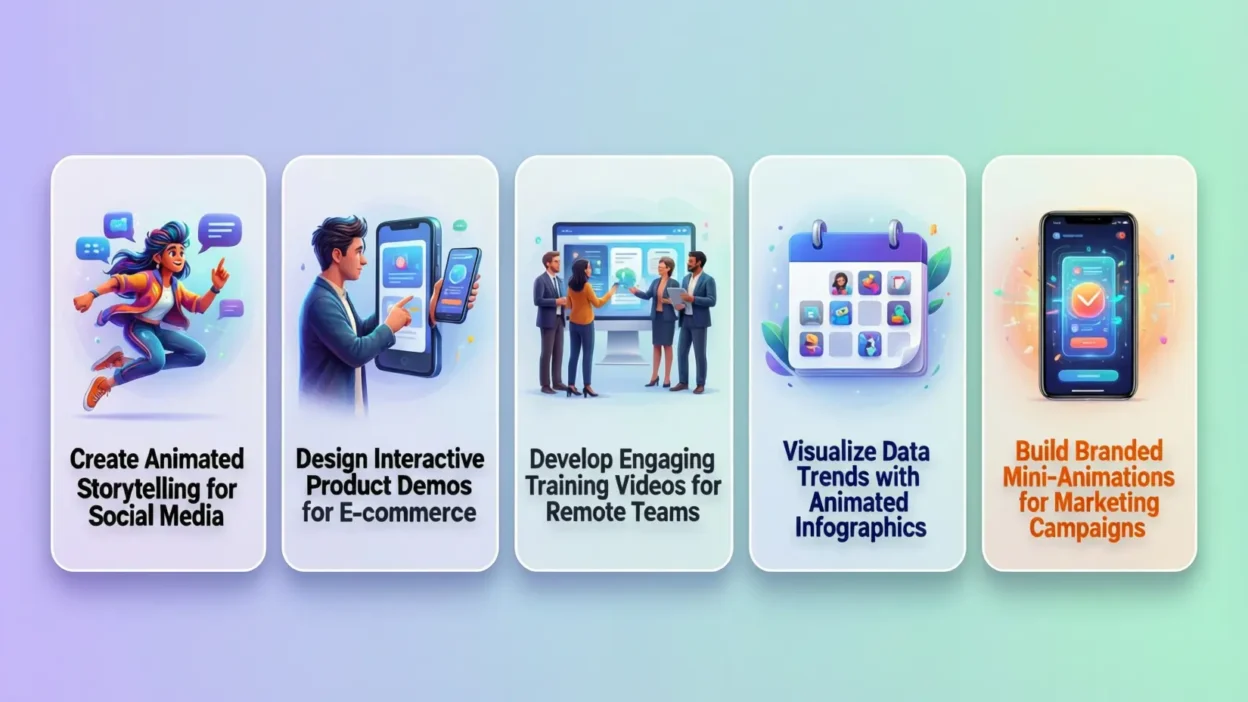
1. Creating Explainer Videos for Complex Products
A 30-to-60-second animated explainer video is far more effective than text for detailing how a product or service works, especially for abstract or technical concepts.
- Clarity: Animation allows you to simplify processes into visual steps, highlight benefits with motion, and use appealing characters to guide the viewer.
- Retention: Animated content generally leads to higher viewer retention rates than live-action video, as the engaging visuals keep the audience focused.
2. Designing Dynamic Social Media Ads and Intros
Use short, punchy animated clips to grab attention in a crowded social media feed.
- Stop-Scroll Effect: An animated logo reveal, moving text, or a fast-paced motion graphic immediately stands out against static images and traditional video.
- Branding: Animation makers allow for easy integration of brand colors, fonts, and logos into intro and outro sequences, ensuring consistent brand visibility across all video content.
Phase 2: Education and Internal Communication
Animation is a powerful tool for simplifying learning and improving internal communication.
3. Enhancing E-Learning and Training Modules
Animated content is perfect for training employees or students on policies, procedures, or abstract ideas.
- Engagement: Use animated characters and scenarios to illustrate workplace situations or historical events, making the learning process less monotonous and more memorable.
- Cost-Effectiveness: Once an animated training module is created, it can be repurposed and updated much more easily and affordably than re-shooting live-action footage.
4. Visualizing Data and Reports
Turn dry spreadsheets and financial reports into engaging, dynamic visual stories.
- Impact: Instead of static charts, use animation to show growth, comparison, or progression over time (e.g., an animated bar chart that grows over a timeline).
- Clarity: Animation can highlight specific data points as you discuss them in a presentation, guiding the viewer’s focus and making complex data easier to comprehend instantly.
Phase 3: Personal Branding and Creative Projects
Animation makes personal projects and branding unique and memorable.
5. Creating Custom Animated Reactions and GIFs
Generate short, looping animated clips for use as reactions, custom emojis, or stickers across messaging and social platforms.
- Personalization: Use the animation maker to create custom animated stickers featuring your logo, mascot, or professional avatar, adding a unique, branded flair to your digital communications.
- Viral Potential: Short, creative GIFs and animations are highly shareable and can help boost your visibility and recognition online.
Conclusion
An animation maker is a key tool for creating modern, high-engagement content. By simplifying the process of adding motion, whether for marketing, education, or personal branding, these tools allow creators to produce professional, dynamic visuals that inform, entertain, and ensure their message sticks with the audience.
FAQ
1. Is it hard to make professional animation?
No. Modern animation makers are designed with user-friendly interfaces and pre-set templates that handle the complex coding and keyframing, allowing users to create professional-looking results simply by dragging, dropping, and entering text.
2. What is the best length for an explainer video?
Most marketing experts recommend keeping explainer videos between 30 and 90 seconds. Content under 60 seconds tends to have the highest completion rate.
3. What file format should I export my animation in?
The best format for video distribution is typically MP4 for its small file size and universal compatibility. For short, looping clips (like social media reactions), GIF is still the standard format.

I’m the mind behind Jokesattack.com, your go-to place for daily laughs, clever puns, and hilarious memes. Spreading smiles one joke at a time!